Can I use the same credit pool for several eSIMs?
Yes. One Pay as You Go balance is shared across up to 10 eSIM profiles on your account , phones, tablets, or travel companions. Enable a profile when you need data and disable it when you do not: disabled eSIMs stay installed but do not draw from the pool. Only the eSIMs you turn on use credit.
Should I delete the eSIM from my phone?
No. Never remove the Pay as You Go eSIM from your device. It is a global profile you can reuse worldwide , keep it installed and enable or disable it in the eSimity app. Deleting it from phone settings can force you to order a new profile later.
Is coverage and pricing better than country packages?
For most travelers, yes. Pay as You Go is built for worldwide coverage on one eSIM, so you are not buying a new country plan at every border. You only pay for the data you actually use from a shared pool , usually better value than leftover unused GB on fixed packages, with broader coverage than a single-country plan.
How does Pay as You Go billing work?
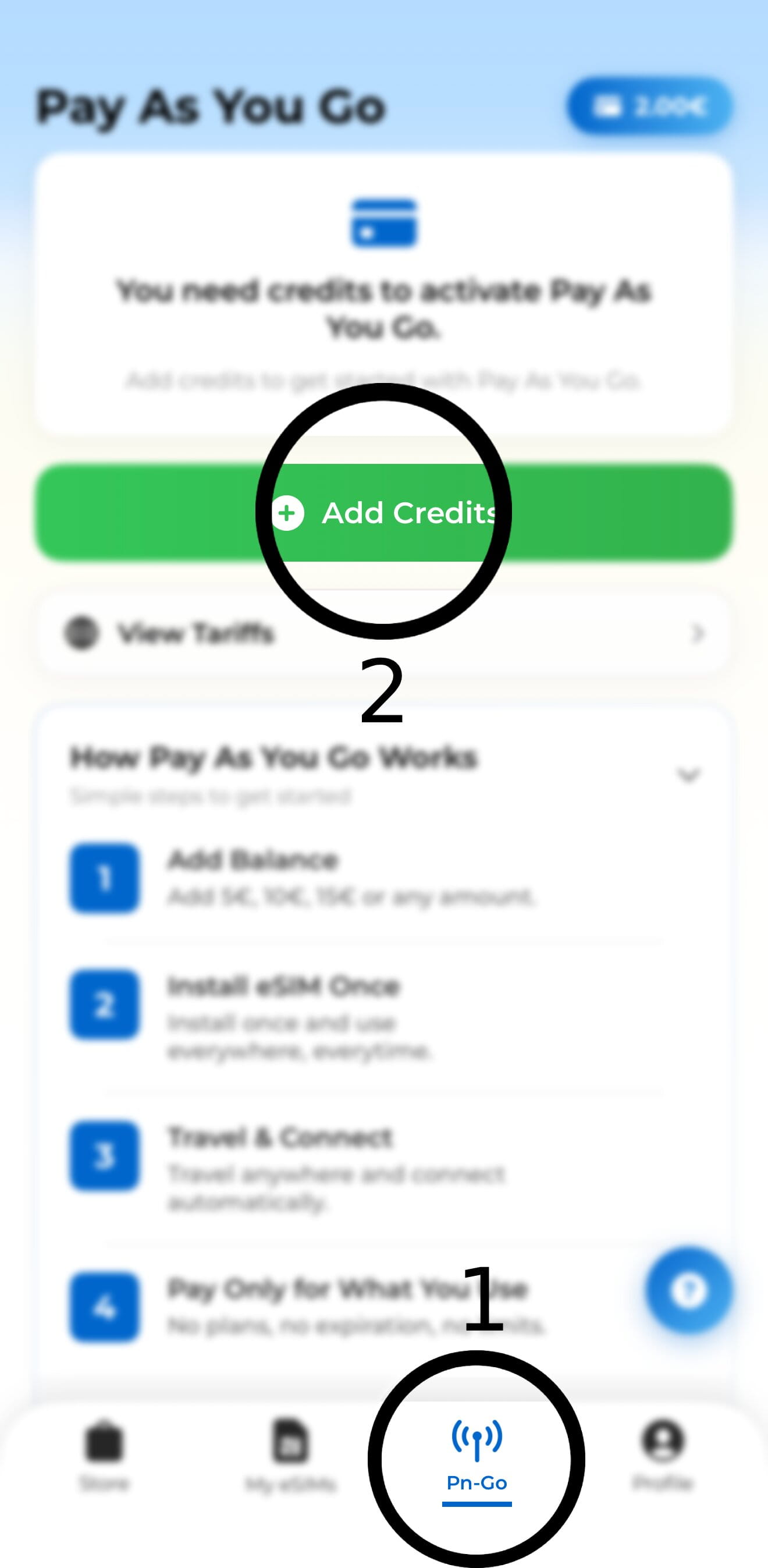
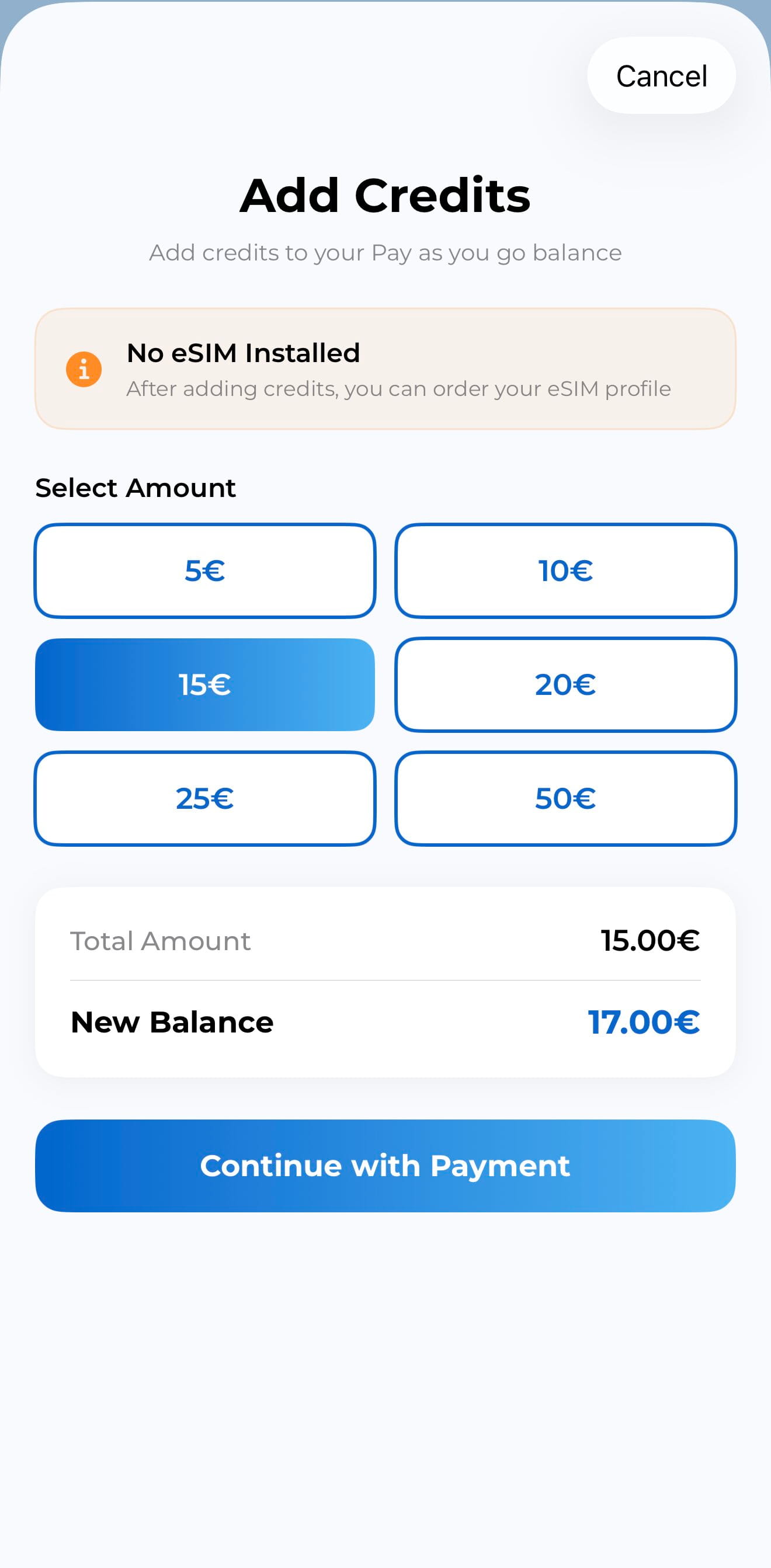
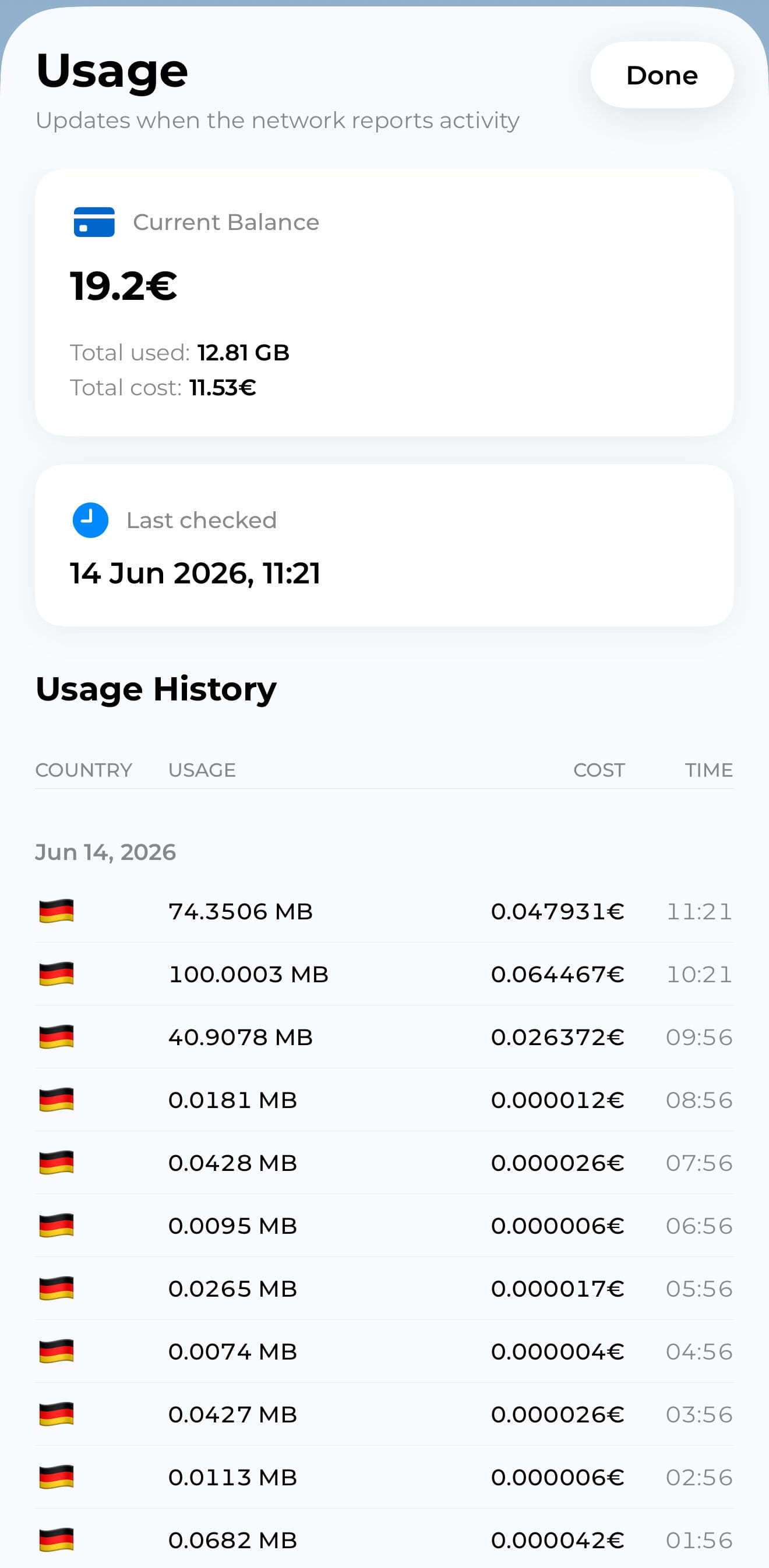
Add credit in the app (from 5€). Data is billed from that shared pool as you go, with live usage per eSIM. There is no “use it in 7 days or lose it” package clock: top up when you need more, and unused credit stays on your account.
Do I need a new eSIM for every country or trip?
No. The same global eSIM works as you move between countries. Leave it on the phone after a trip and simply disable it until the next one. That is why you should not delete it from the device.
What happens if my credit runs out?
Data stops until you top up in the app. Your eSIM profile stays on the device , enable it again after adding credit. You do not need to reinstall or buy a new plan.
Do I keep WhatsApp and my home number?
Yes. Keep your primary SIM on for calls, SMS, and WhatsApp. Use the Pay as You Go eSIM for travel data. Dual SIM lets both lines stay active.